One private record for your money, taxes and life admin.
Jivika keeps your finances, German tax filing, documents, people and todos in one encrypted record on your own computer. There is no account to create, and Jivika does not upload your records.
The installer is not code-signed yet, so Windows may warn about an unknown publisher. What to expect.
What Jivika does
Four things, all working in the current release. What is missing is listed further down.
Keep what you need to find again
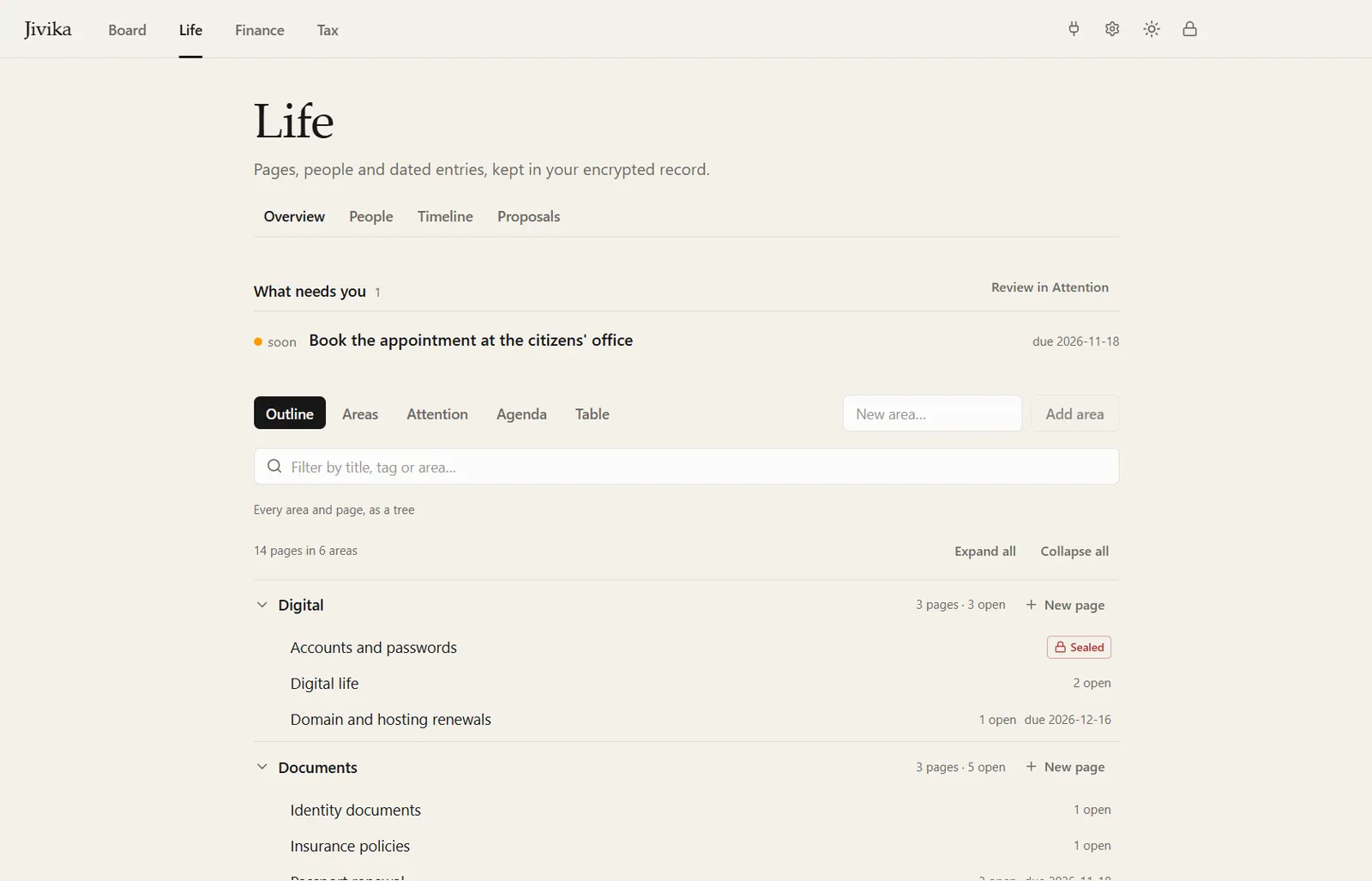
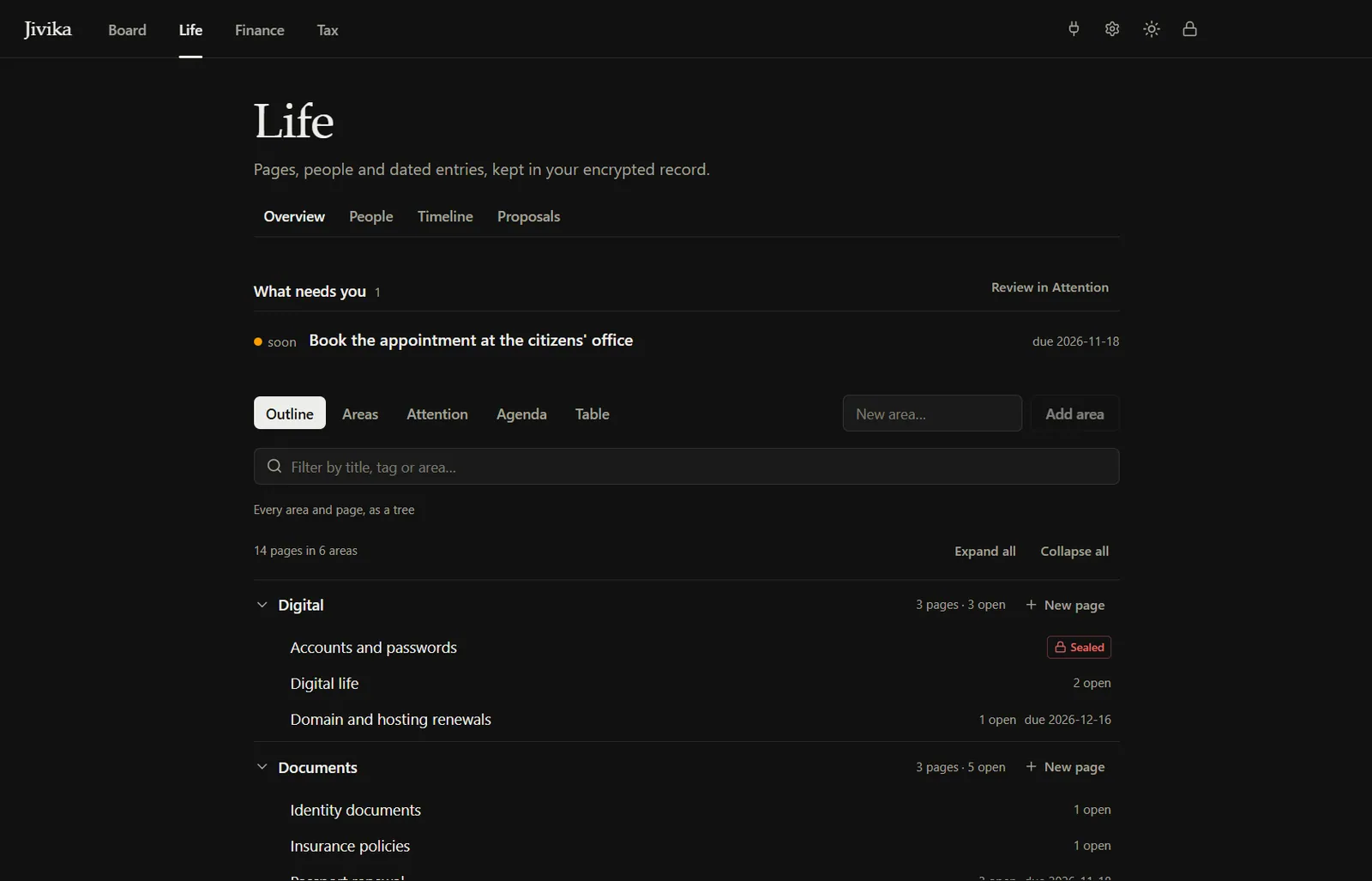
Pages hold the things life asks you to keep track of: a passport renewal, a lease, an insurance policy, a vaccination card. People and dated entries sit next to them, so a note about a phone call can point at the page it belongs to.
The Life screen switches between an outline, area tiles, an attention list, an agenda and a table. Mark a page sealed and no assistant ever sees it.
One board for every todo
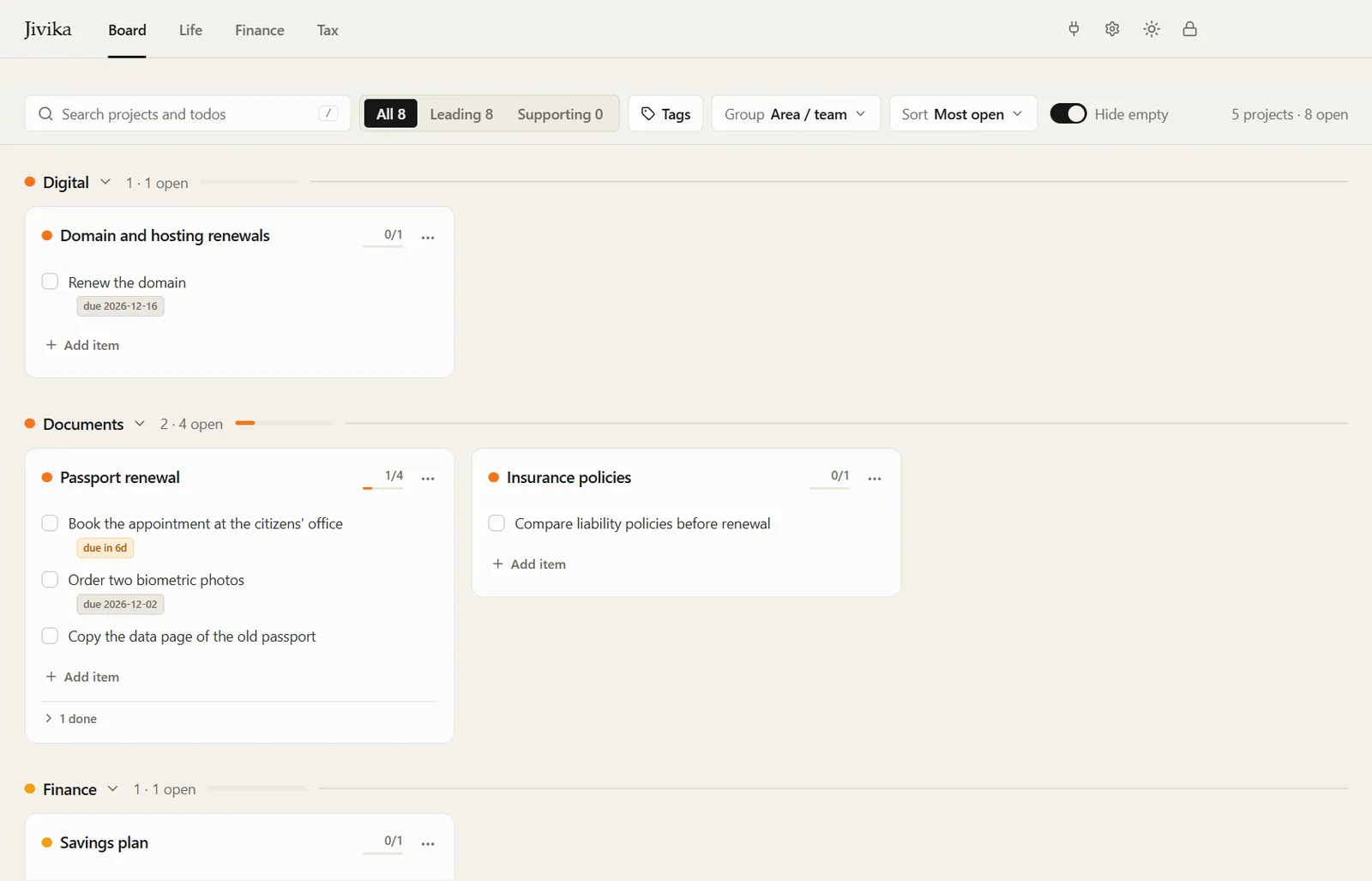
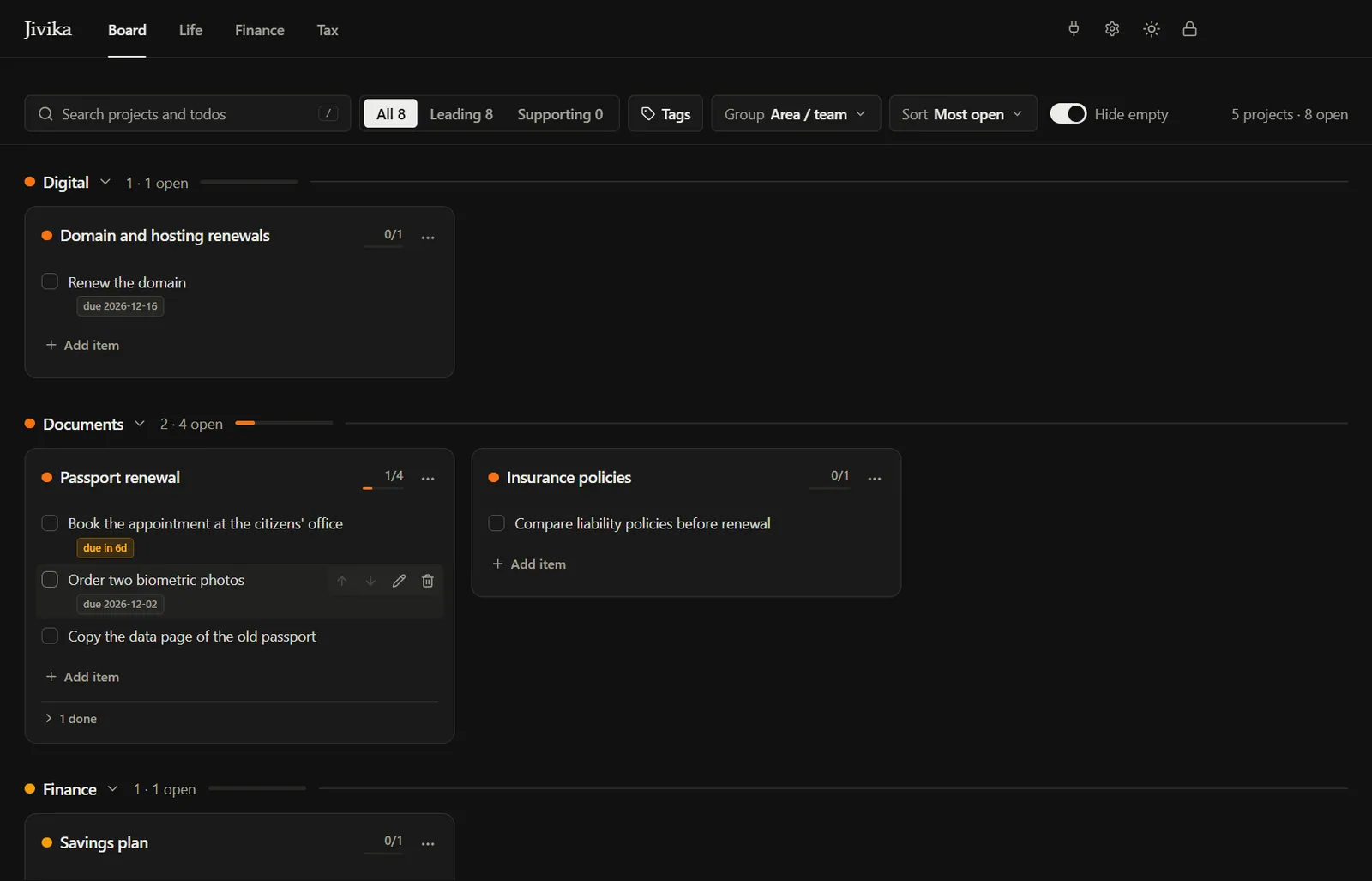
Checklist items on any page appear on a single board, grouped by area and ordered by due date. Tick them off, add, reword, reorder or delete them right on the card, and the page they came from updates with them.
Search the board, filter by tag and switch the grouping when you want a different view of the same list.
See where the money goes, and what is coming
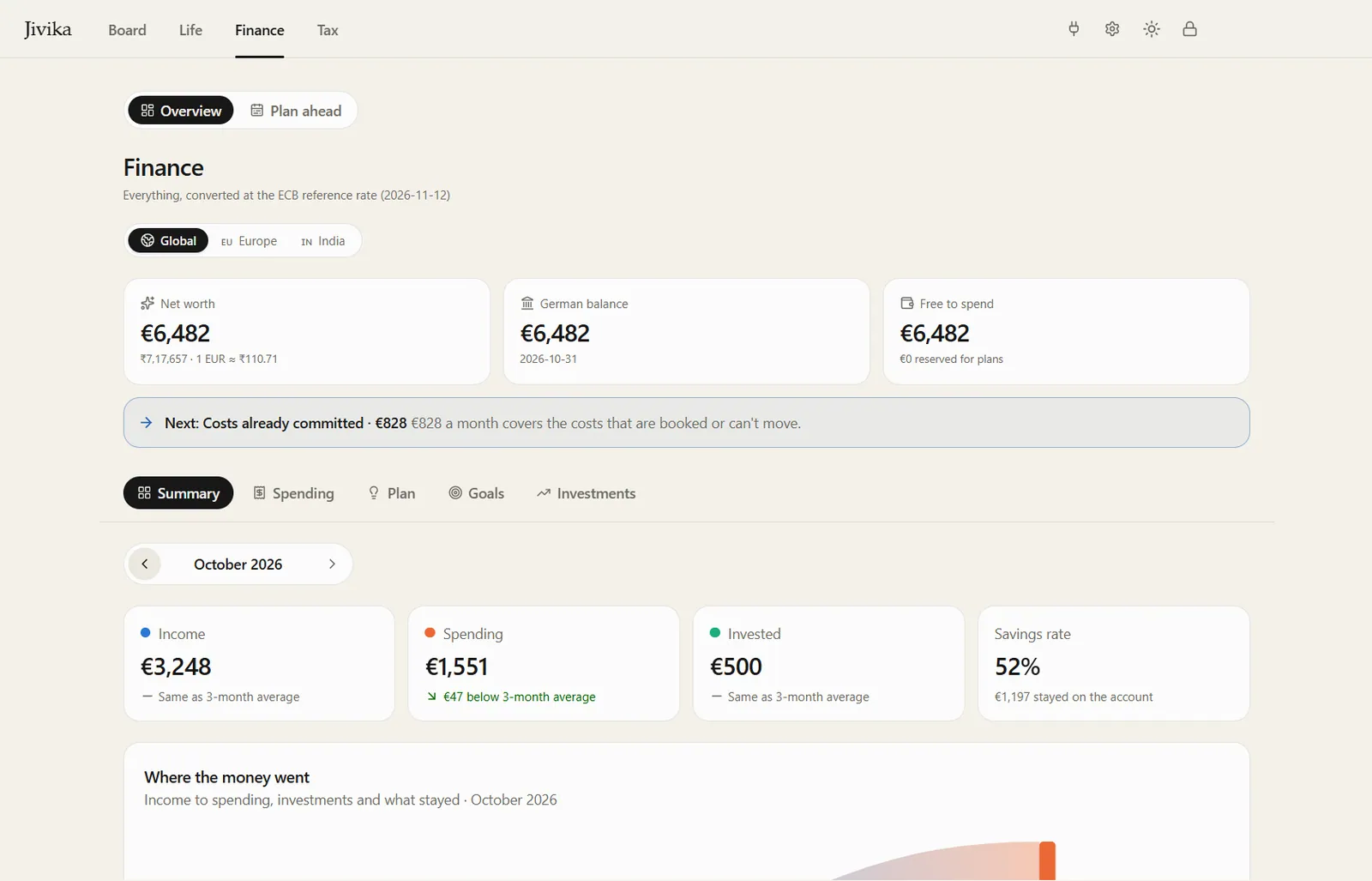
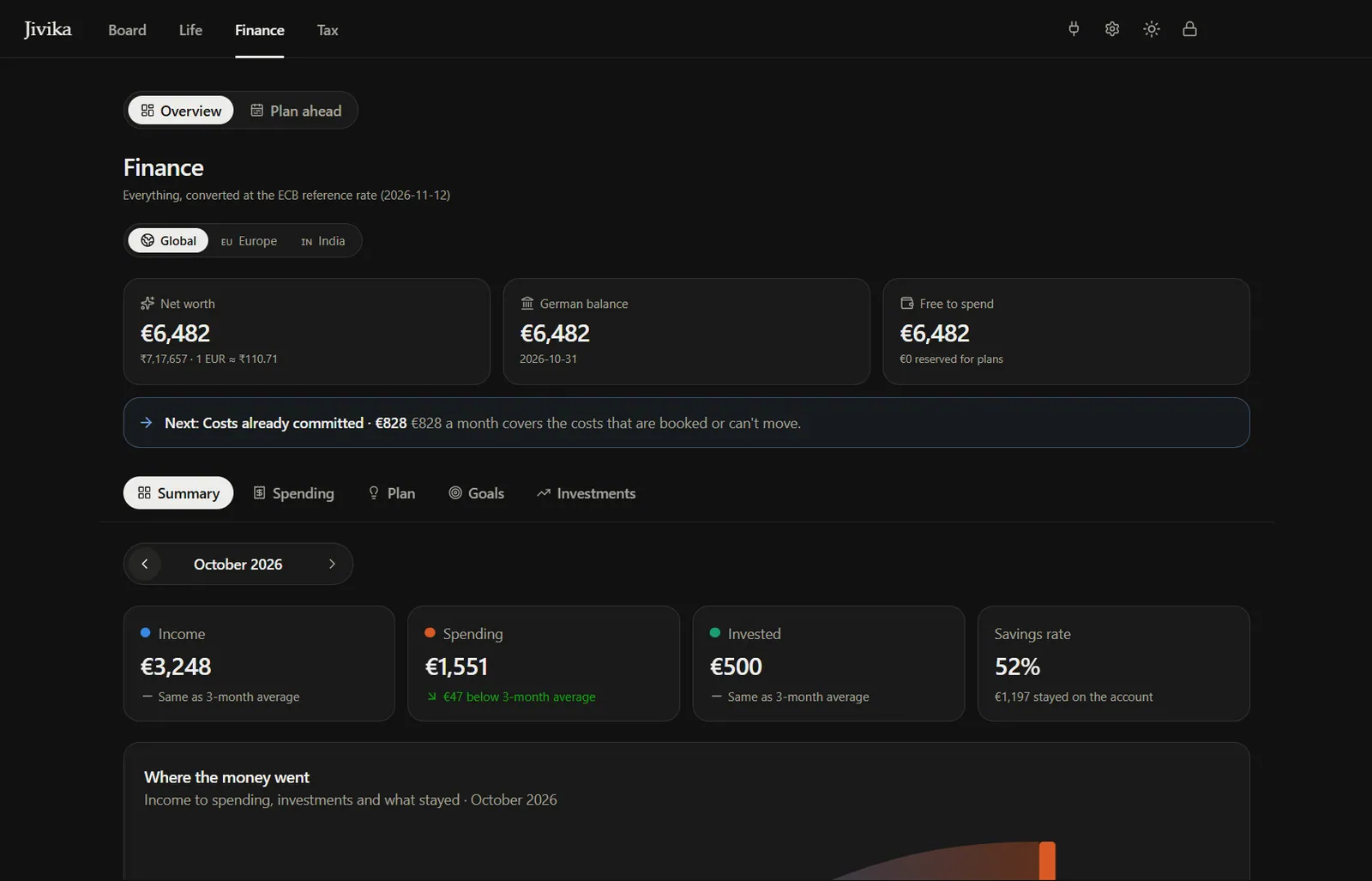
Import a bank statement and Jivika sorts the bookings and shows each month's income, spending and savings. Deutsche Bank accounts can also sync directly, approved in your bank's own app. The PIN is typed for each sync, kept in memory for that sync only and never written to disk.
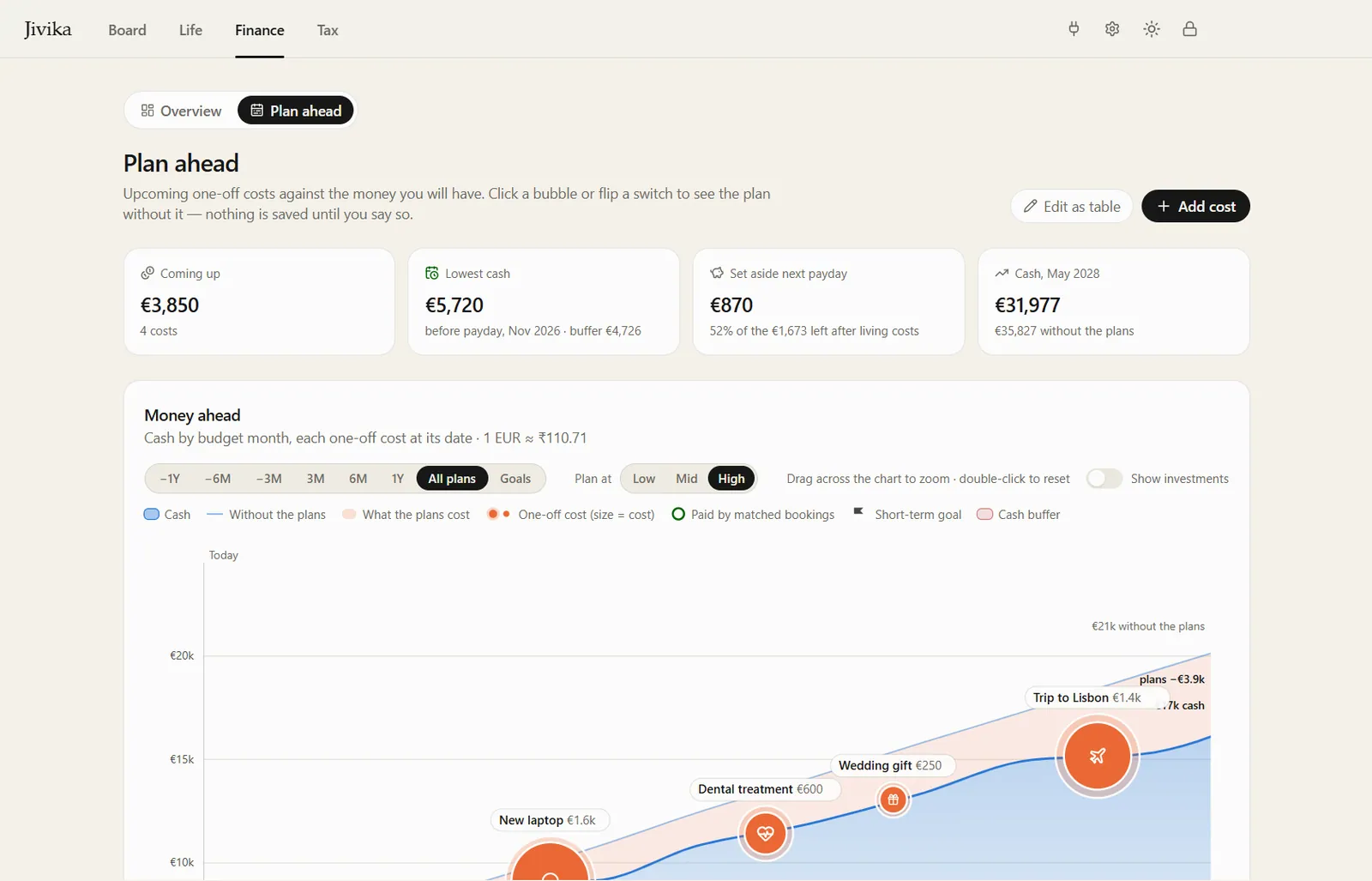
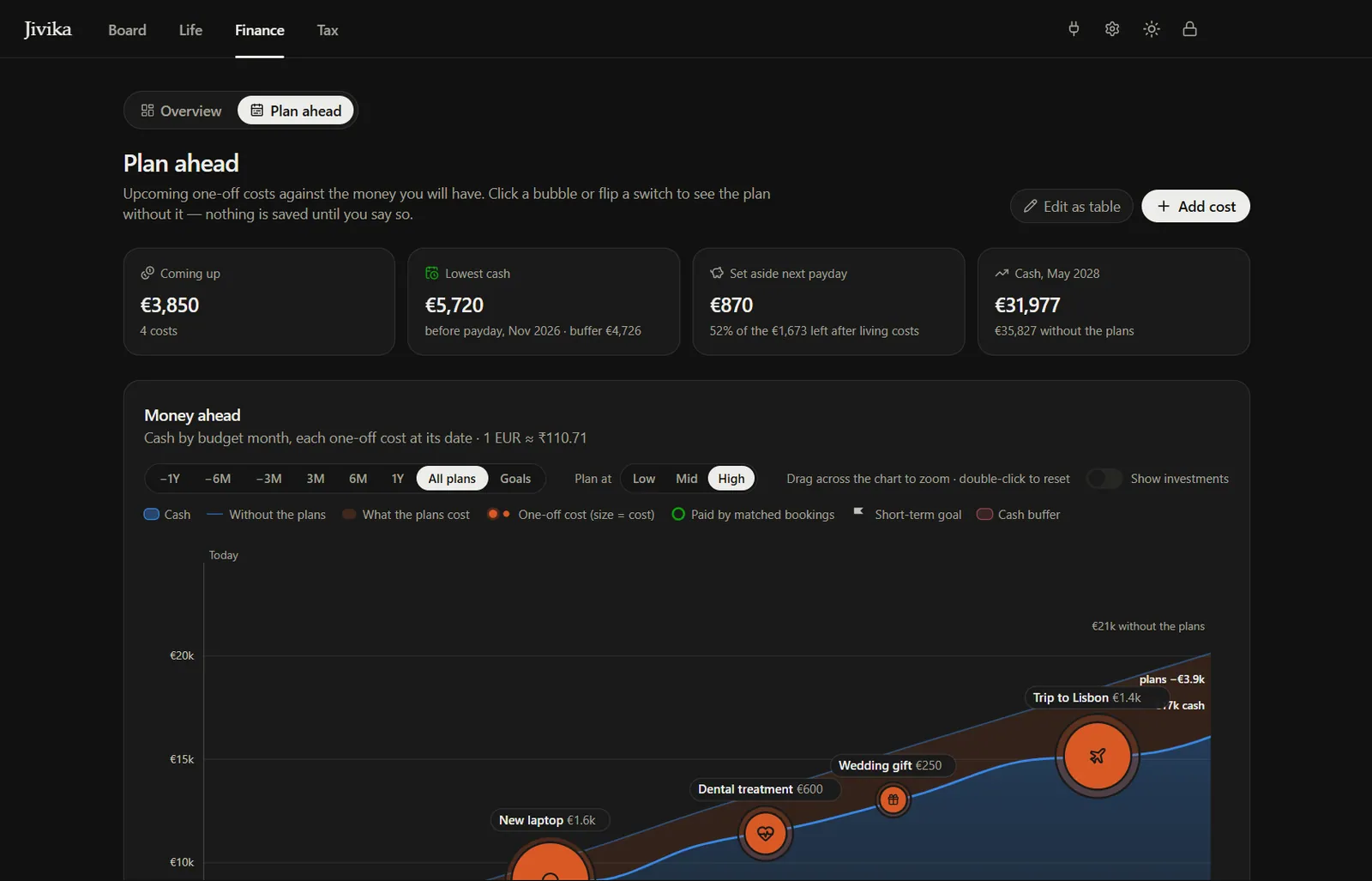
Add the one-off costs you can see ahead, such as a trip, a laptop or a dentist bill, and a chart shows your cash month by month with each cost as a bubble sized by its amount. Switch between a low, middle and high estimate, and look back as well as ahead.
German tax returns get their own workspace. It lists your returns year by year and keeps each year's claims and evidence documents together. It covers Germany only.
Ask Claude about your own record
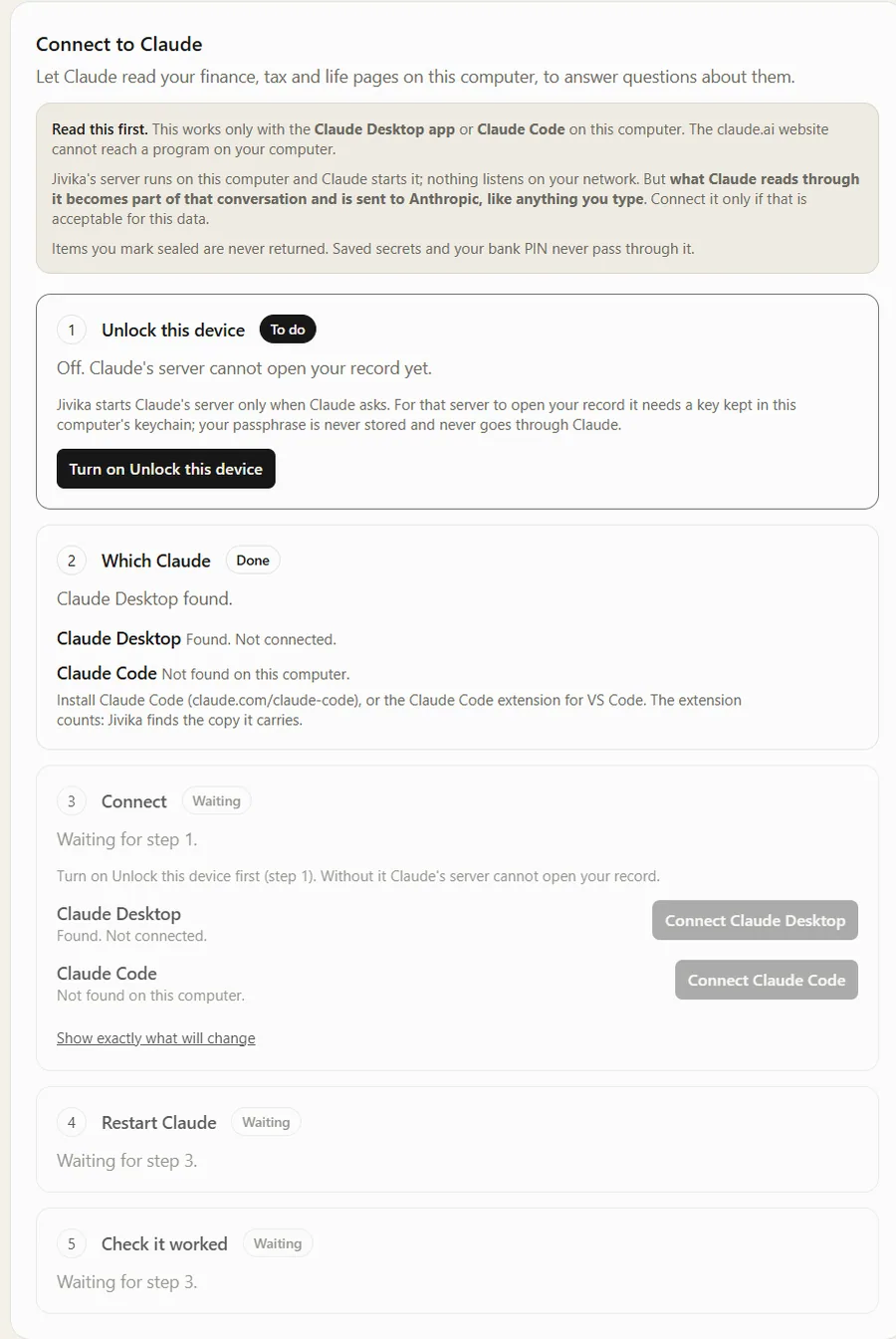
This is optional. From Settings, a five-step checklist connects Claude Desktop or Claude Code on the same computer, and Claude can then read your finance, tax and life pages to answer questions. You can also have it suggest edits.
Claude only proposes changes. Nothing is written until you accept it in the app. Items you mark sealed, saved secrets and the bank PIN are never passed to it.
Know before you connect: what Claude reads becomes part of that conversation and is sent to Anthropic, like anything you type. Connect it only if that is acceptable for your data. It works with the Claude Desktop app or Claude Code, not the claude.ai website.
How your data is kept
The record is a file on your computer, encrypted with a passphrase you choose. Jivika also gives you a recovery code, once, when you create it. Lose both and the record cannot be opened by anyone, Zittl included.
What the app connects to
A few seconds after the app starts and about every six hours it asks for the latest version. The server sees your IP address and which file was requested, and nothing from your record. It never installs without your click and backs your record up first. The Offline switch in Settings stops the check.
Your login goes straight to the bank. The PIN is typed each time and never saved.
The India features ask api.mfapi.in for fund prices and api.frankfurter.dev (or api.frankfurter.app) for an exchange rate. They send fund scheme codes, nothing about you.
What stays on your computer
Transactions, goals, pages, people, documents and tax records, in an encrypted database and encrypted files.
The app sends none, and there is no Jivika account.
Delete the record folder to delete your data. Uninstalling does not.
What works today, and what does not
Jivika 0.2.2 is an early release. This is where it stands as of 13 November 2026.
Works
- An encrypted record with a passphrase and a recovery code
- Pages, people, dated entries and a board of todos you can edit
- Deutsche Bank CSV import and a Deutsche Bank sync with the PIN typed each time
- Targobank statements, imported only
- The plan-ahead chart and a German tax workspace
- An optional Claude connection on the same computer
- Update checks that wait for your click, with a backup first
Not yet
- macOS and Linux (untested)
- A signed installer, and a Microsoft Store version (in preparation)
- An import screen for other banks' files, and for MT940 and CAMT.053
- Syncing Zerodha or Groww holdings in the Windows app
- Tax for any country but Germany
- Sync between computers, or handover to someone you trust
Download Jivika for Windows
Version 0.2.2 · 129 MB · Windows 10 and 11 (64-bit) · Free to try. Released 13 November 2026.
What to expect when you install it
- Run the installer. The installer is not code-signed yet, so Windows SmartScreen may say the publisher is unknown. Choose More info, then Run anyway.
- If Smart App Control is on, Windows blocks unsigned apps and gives no way past it. Wait for the signed or Microsoft Store version. Do not turn Smart App Control off for this, because Windows does not let you turn it back on.
- Open Jivika, choose a passphrase and write down the recovery code it shows once.
Check the download
SHA-512 of the installer file:
65244b8ed9a17bfd85217f9e7b557691d4fcdae33748faadf1e023ee9180f170c2683c6f0daa5fba1812203b6653c7930bfa222da4a04ec7885dd1cac32bb160
In a terminal, certutil -hashfile Jivika-Setup-0.2.2-x64.exe SHA512 prints this value. The update feed at latest.yml lists the same hash in base64: ZSRLjtmhe/2FIX+ee1V2kdT82uM3SPqt8eAj7pGA8XDCaDxvDapfuhgSIDtmU8eTC/oiLaSgTseIXdHKwyuxYA==
Questions people ask
Short answers about Jivika. Last updated 13 November 2026.
What is Jivika?
Jivika is a Windows app that keeps your finances, German tax filing, documents, people and todos in one encrypted record on your own computer. It is an early release (version 0.2.2) made by Zittl, and it is free to try.
Does Jivika upload my data?
No. The record stays on your computer and is encrypted there. The app contacts zittl.com to check for updates, your own bank when you press Sync, and the lookups you switch on yourself. There is no Jivika account and no Jivika server that receives your records.
What happens if I lose my passphrase?
Your recovery code opens the record. Jivika shows it once, when you create the record, and does not keep a copy. If you lose both the passphrase and the recovery code, nobody can open the record, including Zittl.
Which banks does it work with?
Live sync is built for Deutsche Bank only (FinTS, approved in your bank's app) and is set up under Connections, Bank connection. The same sync code was checked against a real Deutsche Bank account in an earlier version, but it has not been re-checked in this Windows build yet, so treat it as untested here. The PIN is typed for each sync and never saved. Targobank statements can be imported but not synced. The import screen reads Deutsche Bank CSV exports; MT940 and CAMT.053 files, which many German banks offer, go in through the Claude connection until they get a screen of their own.
Can I use it for Indian accounts or Indian taxes?
The tax workspace covers German returns only; there is no Indian tax module. Syncing Zerodha or Groww holdings is not available in the Windows app yet.
Is it tax advice?
No. It organises the figures and documents you enter for your German returns and keeps each year together. Estimates it shows are labelled as projected. For advice on your own return, ask a Steuerberater.
How does Claude fit in?
It is optional. From Settings you can connect Claude Desktop or Claude Code on the same computer, and Claude can then read your finance, tax and life pages to answer questions. What Claude reads becomes part of that conversation and is sent to Anthropic, like anything you type. Items you mark sealed, saved secrets and the bank PIN are never passed to it, and Claude can only propose changes, which you accept in the app. The claude.ai website cannot reach it.
Does it run on Mac, Linux or in a browser?
Windows 10 and 11 (64-bit) only for now; macOS and Linux builds are untested. The app can also show itself in your web browser on the same computer, started from the tray icon or Settings. Nothing is hosted online.
Why does Windows warn about an unknown publisher?
The installer is not code-signed yet. Windows SmartScreen may show an unknown publisher warning: choose More info, then Run anyway. If Smart App Control is turned on, Windows blocks unsigned apps and offers no way past it. In that case wait for the signed or Microsoft Store version, and do not turn Smart App Control off for this, because Windows does not let you turn it back on.
How do updates work?
The app asks zittl.com for the latest version a few seconds after it starts and about every six hours. It never downloads or installs without your click, and it backs up your record first. An Offline switch in Settings stops the check.
Is Jivika free?
It is free to try during the early release. A price has not been decided.
Try Jivika on your own computer.
Choose a passphrase, and the record stays where you put it.